 Daniel Hiller
8236cde954
Daniel Hiller
8236cde954
The validation added with the admin user checks reached further than intended.
The seed runs on every container start, not only on the first, and it threw on
three conditions that are normal on a second start.

The worst was the check for an existing user: after the first start the
default admin exists by definition, so every restart after that ended in a
container that would not come up. The insert is wrapped in a try and falls
back to an update precisely because it is meant to run again, and that path
was never reached.

The other two were narrower but the same shape. `validator.isEmail` rejects
`admin@localhost`, which is a common value in self-hosted setups, so an
instance that had been running for a year would stop coming up after the
upgrade.

None of it throws now. Bad input is reported on stderr and skipped, the way
an invalid username already was, and a username that belongs to someone else
is left alone rather than taken. `db:create-admin-user` keeps the strict
validation, which is where a person is there to read it and type again.





PLANKA Pro
When the whole team runs on PLANKA.
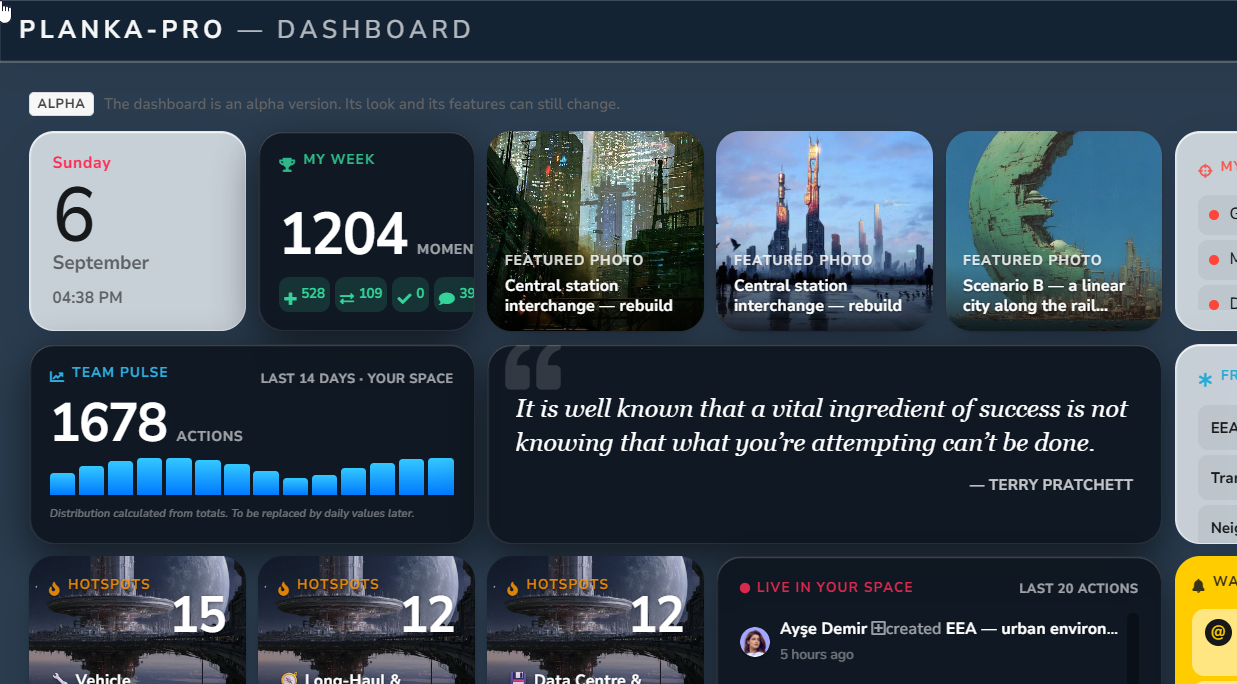
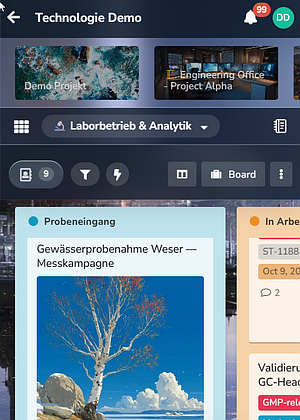
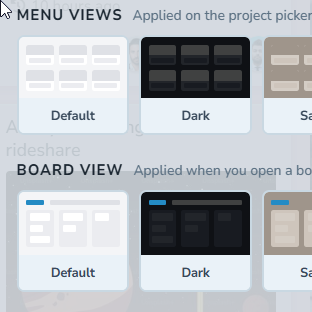
Phones and tablets · five themes · a dashboard across every project · calendar, timeline and map views · cards on more than one board · templates · guest roles · SSO · PDF export. Self-hosted exactly as you host it now, supported by the people who build it.


| Community | Pro | |
|---|---|---|
| Boards, lists, cards, real-time collaboration | ✓ | ✓ |
| Markdown, attachments, comments, custom fields | ✓ | ✓ |
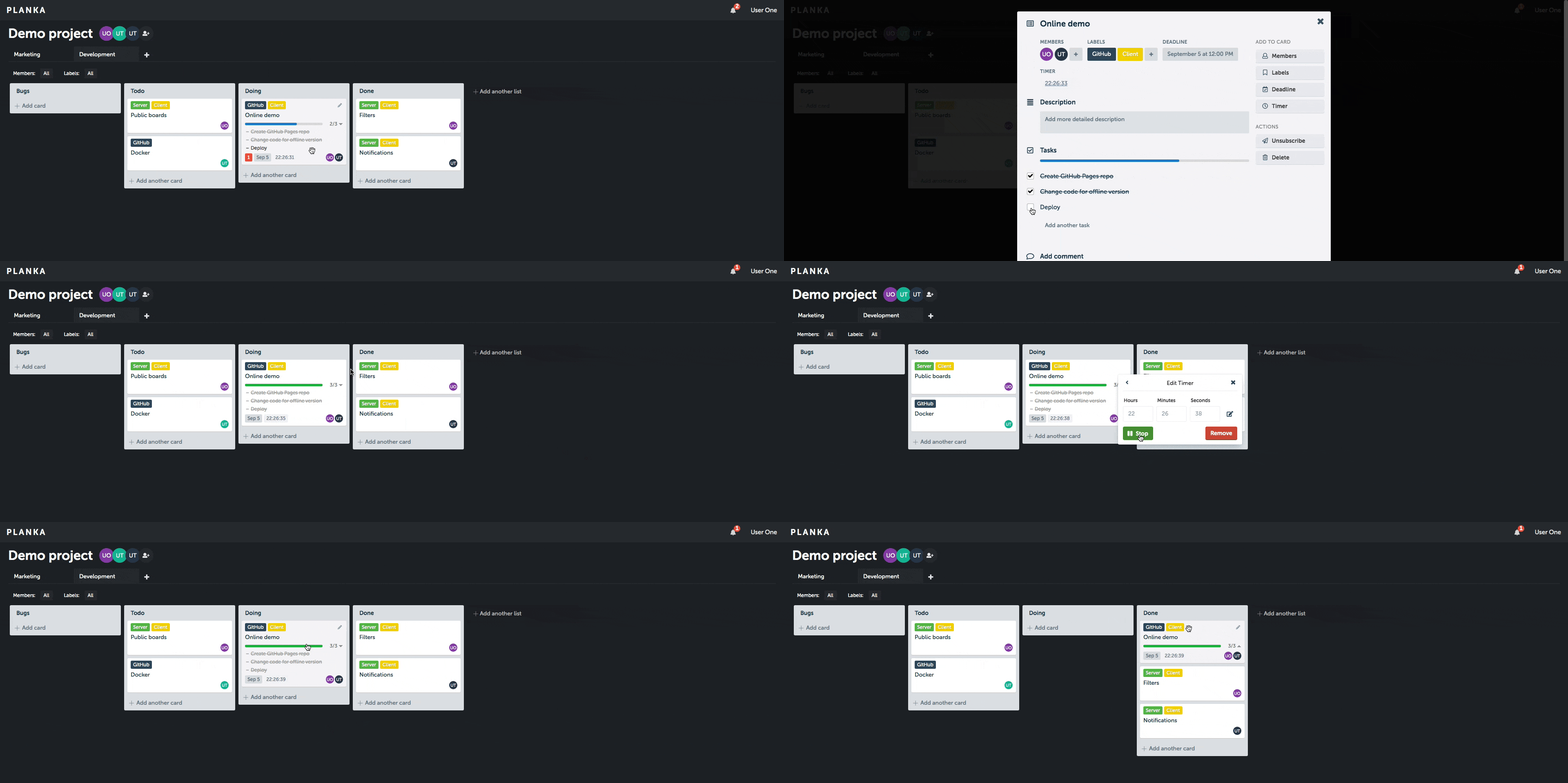
| Stopwatch and due dates on cards | ✓ | ✓ |
| Notifications through 100+ providers | ✓ | ✓ |
| Webhooks and a documented REST API | ✓ | ✓ |
| Two-factor authentication | ✓ | ✓ |
| Self-hosted, your database, your backups | ✓ | ✓ |
| Free to self-host | ✓ | — |
| Phones and tablets, five themes, accent color | — | ✓ |
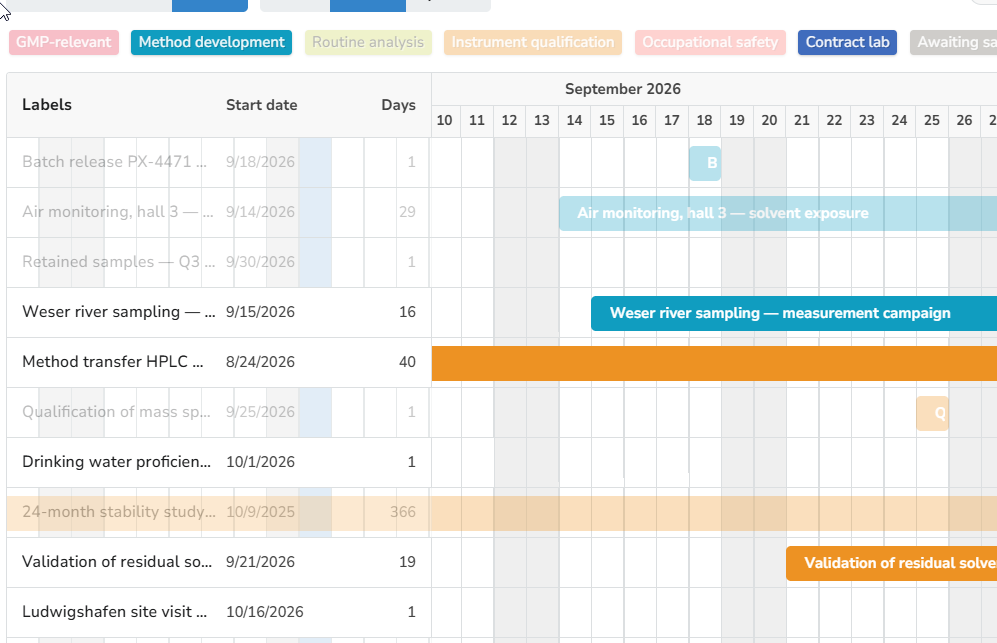
| Calendar, timeline, map and media views | — | ✓ |
| Recurring cards, card and board templates | — | ✓ |
| One card on more than one board | — | ✓ |
| Guest roles, SSO (OIDC) | — | ✓ |
| PDF and HTML export | — | ✓ |
| Support from the developers, no ticket queue | — | ✓ |
Pro upgrades an existing Community installation in place — your database, your volume, your data. It is a real migration rather than a new image: Pro adds a Valkey service and a one-off schema promote. The promote accepts only certain Community releases as a starting point — currently 2.1.x and 2.2.x — and from any other version it stops without changing anything. The upgrade is one-way — there is no downgrade back to Community — so take a backup first, or try it on a copy. The step-by-step guide is in the customer center once you have a key, and lists the releases the promote accepts.
Key Features
- Collaborative Kanban Boards: Create projects, boards, lists, cards, and manage tasks with an intuitive drag-and-drop interface
- Real-Time Updates: Instant syncing across all users, no refresh needed
- Rich Markdown Support: Write beautifully formatted card descriptions with a powerful markdown editor
- Flexible Notifications: Get alerts through 100+ providers, fully customizable to your workflow
- Multilingual & Easy to Translate: Full internationalization support for a global audience
How to Deploy
PLANKA is easy to install using multiple methods - learn more in the installation guide.
For configuration and environment settings, see the configuration section.
For hosted plans and pricing, see our website.
Notes App
A testing version of the Notes app is now available on multiple platforms:
- iOS: Join the TestFlight to try the app
- Windows & Android: Download the app here
Contact
For any security issues, please do not create a public issue on GitHub - instead, report it privately by emailing security@planka.group.
Note: We do NOT offer any public support via email, please use GitHub.
Join our community: Get help, share ideas, or contribute on our Discord server.
License
PLANKA is fair-code distributed under the Fair Use License and PLANKA Pro/Enterprise License.
- Source Available: The source code is always visible
- Self-Hostable: Deploy and host it anywhere
- Extensible: Customize with your own functionality
- Enterprise Licenses: Available for additional features and support
For more details, check the License Guide.
Contributing
Found a bug or have a feature request? Check out our Contributing Guide to get started.
For setting up the project locally, see the development section.
Thanks to all our contributors!